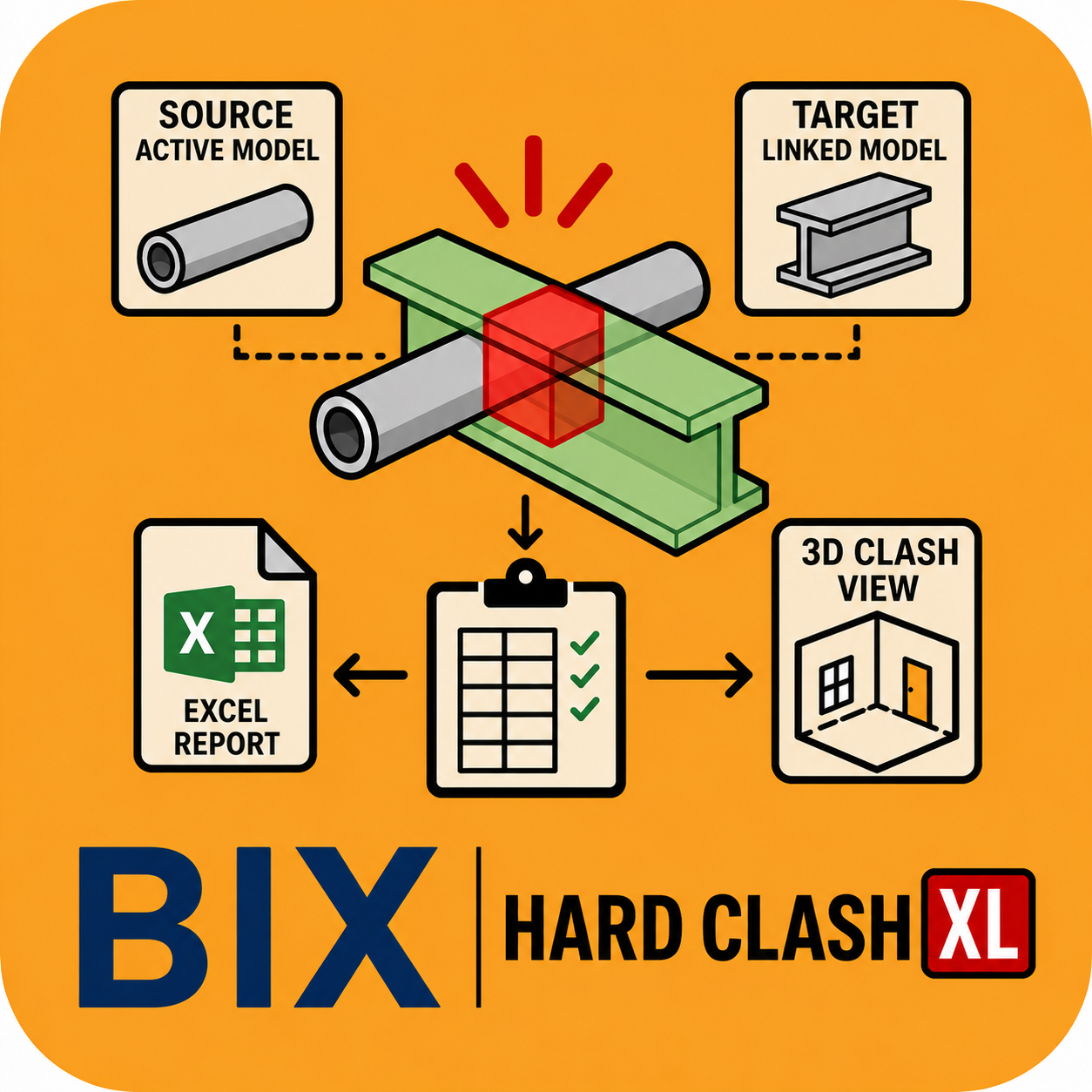
Detects hard clashes between selected categories in your active model and linked models, then generates dedicated 3D clash views, JPG images, and a full Excel coordination report.
Secure checkout via Lemon Squeezy · instant download link by email
Overview
BIX Hard Clash XL detects hard clashes between selected categories in the active model and linked Revit models. The application automatically creates dedicated 3D clash views, exports clash images, and generates a comprehensive Excel coordination report — taking you from raw geometry overlap to a documented, shareable coordination report in one guided run.
Watch it in action
Demo video for Hard Clash XL — subscribe to @ADIBIMThinker for tutorials and product updates.
Key Features
Source vs. Target disciplinePick any Source Discipline + Categories against any Target Discipline + Categories, across active and linked models.
Dedicated 3D clash viewsAutomatically creates a named 3D view for every clash found, using the convention Clash_001_Source_Target_SourceElementId_TargetElementId.
Clash imagesEach clash view is exported as a JPG image, saved automatically to a HardClashImages folder.
Excel coordination reportOne row per clash, with detection date/time, model names, disciplines, categories, element IDs, view name and an embedded clash image.
How it works
01 Select output folder
02 Select Source Discipline + Categories
03 Select Target Discipline + Categories
04 Select Level (All Levels or single) and 3D View Template
05 Adjust Section Box Size
06 Click Detect Hard Clashes
07 App creates 3D clash views, JPG images and the Excel report
One-Time Model Setup Required
3D View Template
Configured with clash filters, e.g. FLT_CLASH_Electrical (Source — Red), FLT_CLASH_Structure (Target — Green)
Remaining Model
Displayed semi-transparent through the selected View Template
Requires at least one linked Revit model — this application detects clashes between the active model and linked models, not within a single model alone.