Secure checkout via Lemon Squeezy · instant download link by email
Overview
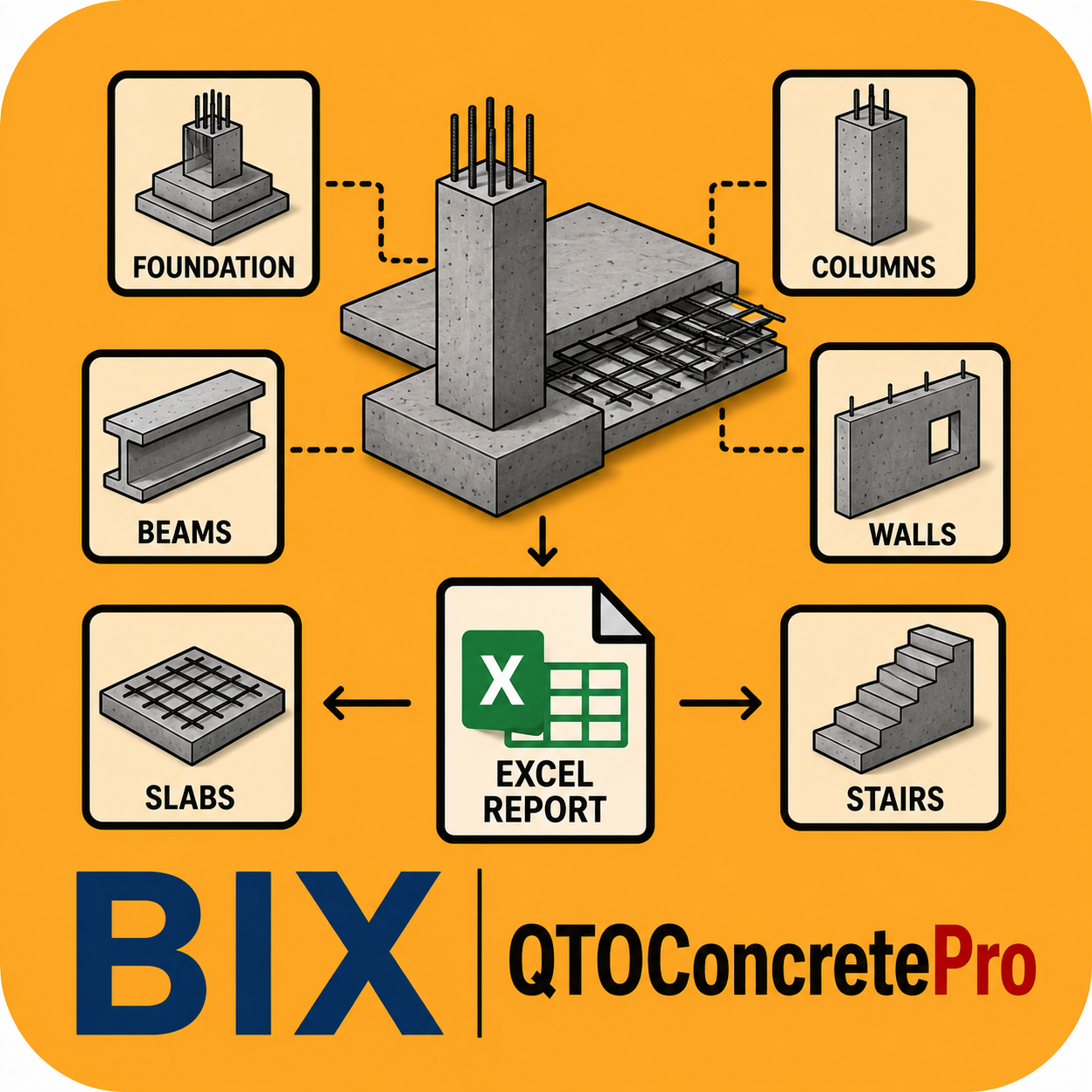
BIX Concrete Quantity Pro is an intelligent BIM automation tool that computes accurate concrete quantities directly from your Revit model. It operates entirely read-only, automatically resolves overlapping elements using a hard-coded joining hierarchy, and intelligently handles split levels, multi-height floors and open-top columns — producing a highly detailed, multi-tab Excel takeoff report.
Watch it in action
Demo video for QTO Concrete Pro — subscribe to @ADIBIMThinker for tutorials and product updates.
Key Features
Read-onlyOperates entirely in read-only mode — no changes are made to your model.
Collision resolutionAutomatically handles overlapping elements using a strict joining-order priority.
Complex topologiesIntelligently processes split levels, multi-height floors and open-top columns.
Detailed Excel reportMulti-tab output with a hyperlinked contents index, open-top detection, join-status tracking and void deductions.
Structural elements must follow BIX naming conventions (e.g. Type Comments containing “Beam,” “Concrete” or “RCC,” and “Open Top” in Instance Comments for stub columns) so the app can correctly identify and de-duplicate quantities.